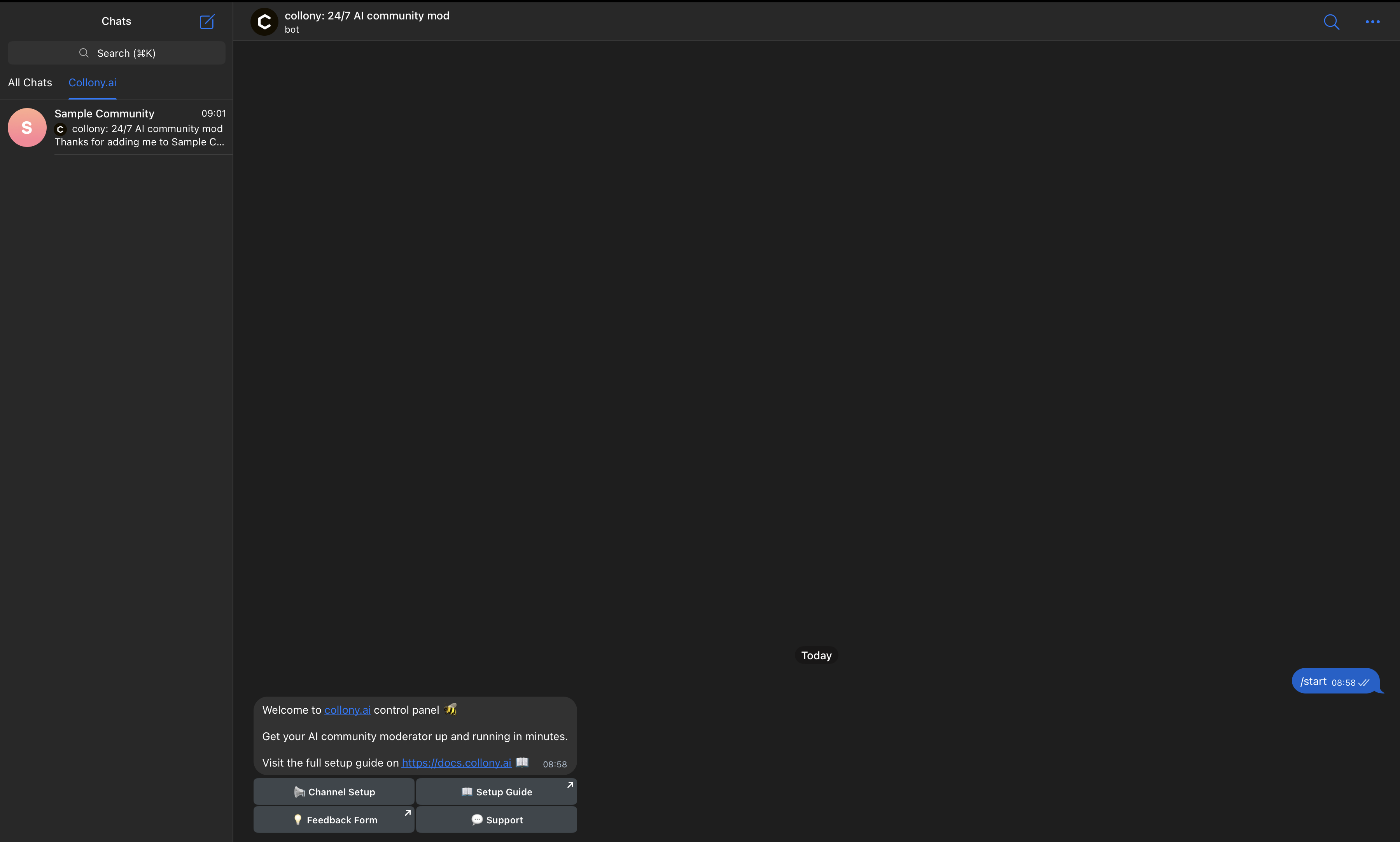
To get collony AI running, you need to invite the official bot into your community and give it admin rights. Here’s how:Documentation Index
Fetch the complete documentation index at: https://collony.ai/docs/llms.txt
Use this file to discover all available pages before exploring further.
-
Add collony to your Telegram group
Open the target group where collony will act as moderator. Select Add Member, search for @CollonyBot (orcollony.ai), and add it.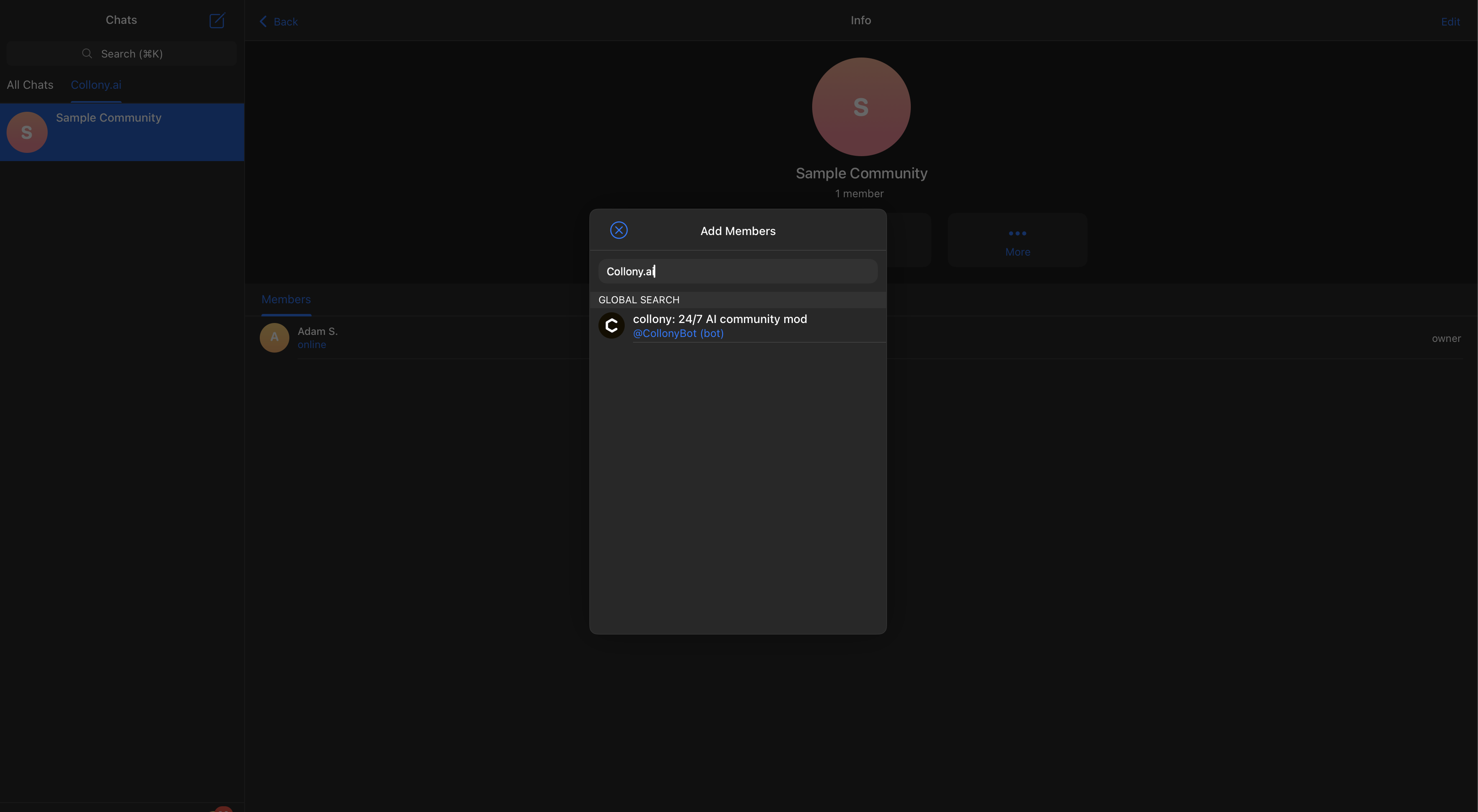
-
Confirm collony’s greeting
After joining, collony will post an automated welcome message in the group.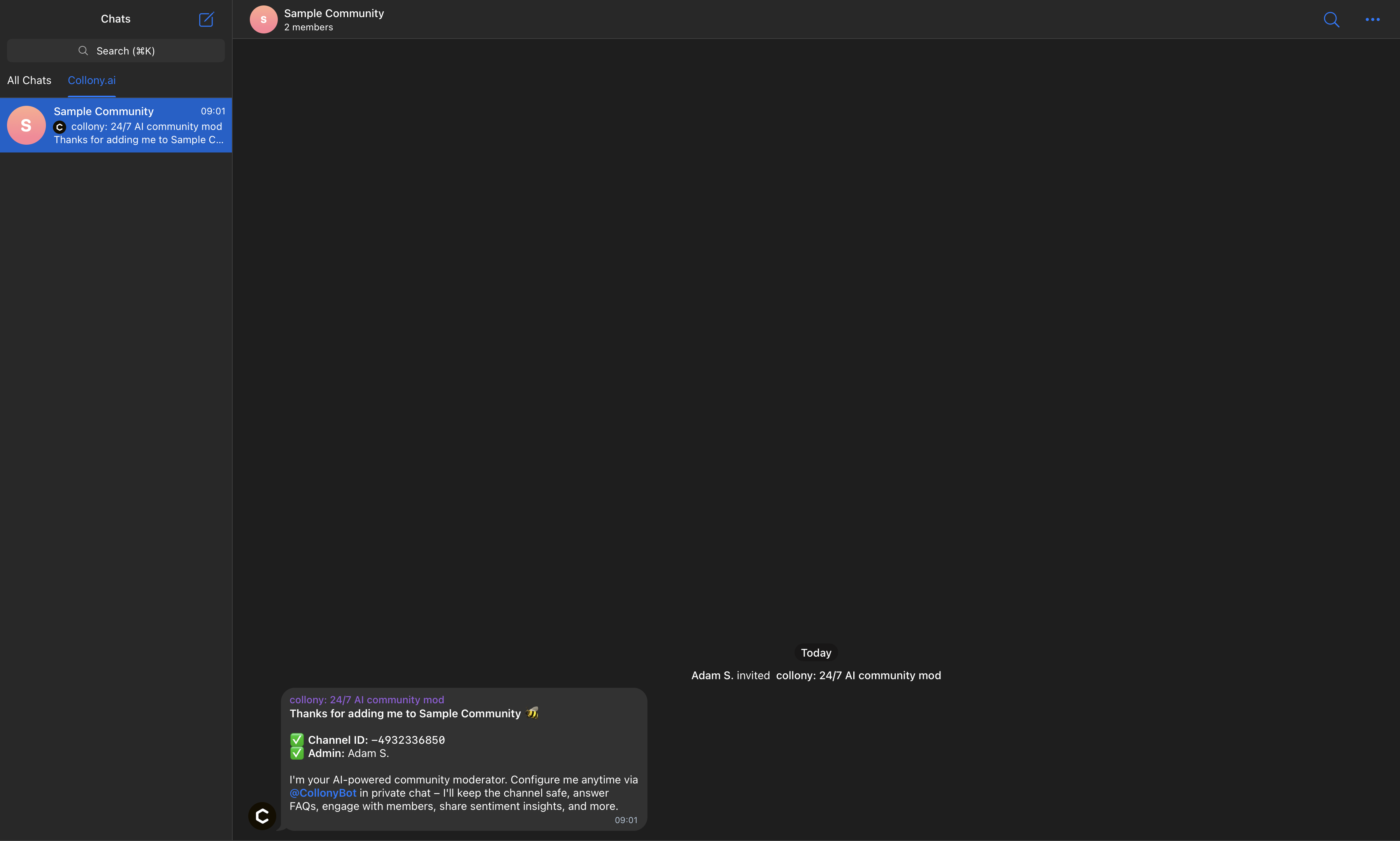
-
Open collony in Telegram
Navigate to @CollonyBot in Telegram and press Start to launch the setup flow.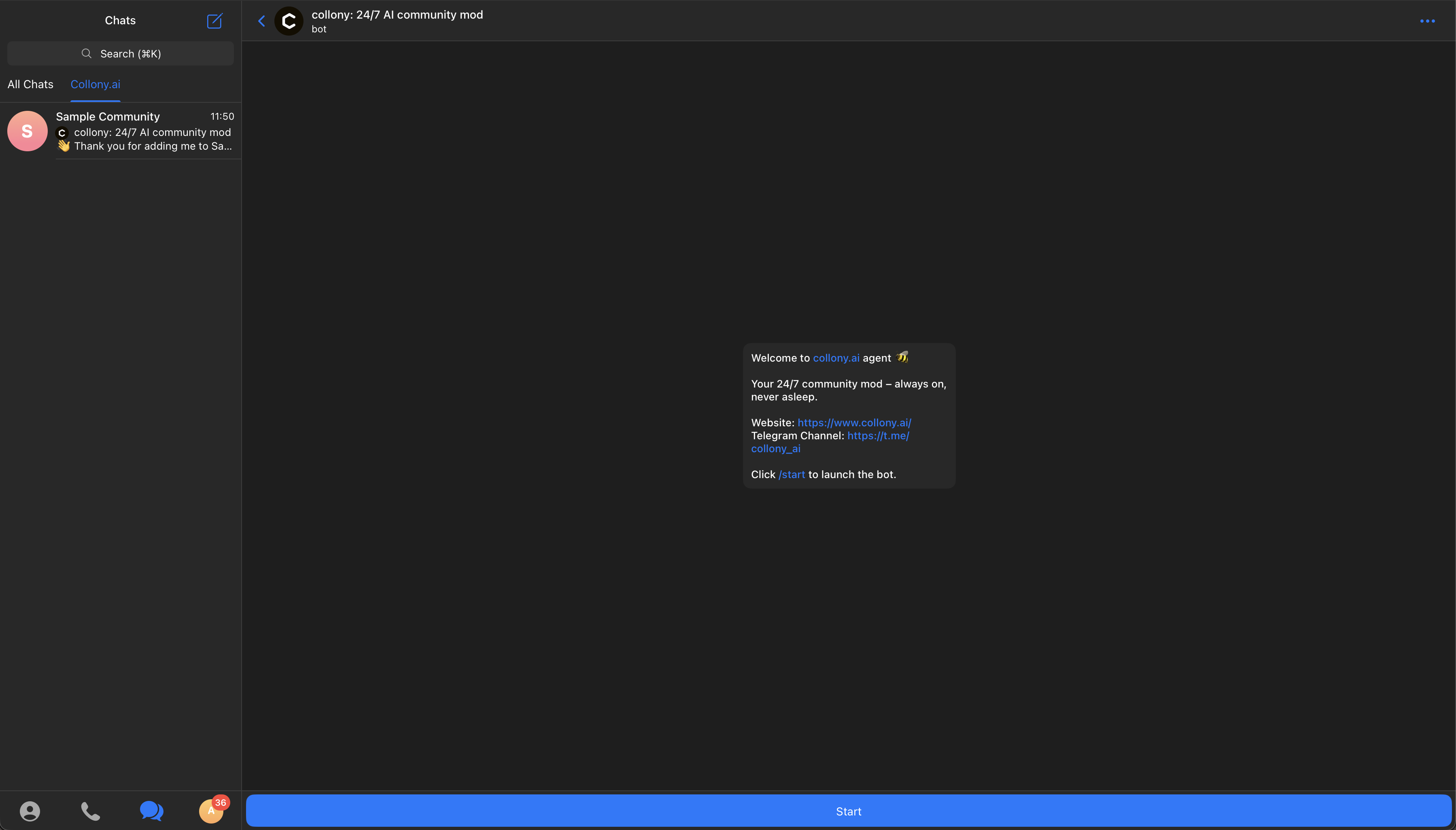
-
Access the setup dashboard
This dashboard is your central hub for configuring moderation rules, FAQs, and bot settings.