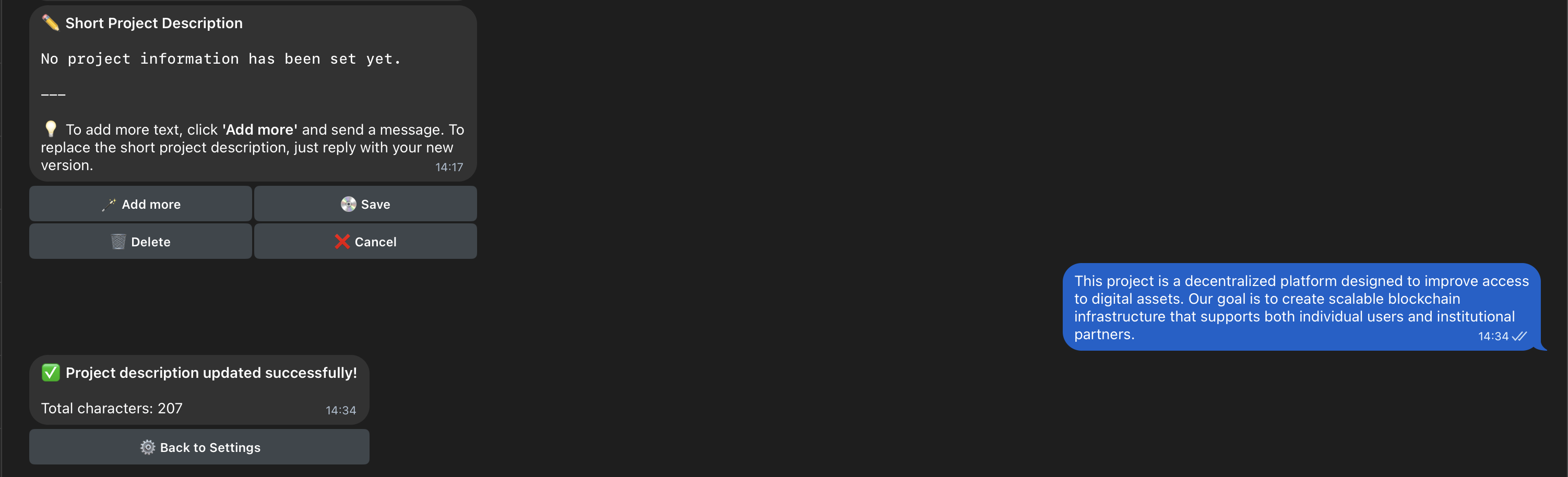
Your project description is shown when members interact with the bot. It helps onboard newcomers, clarify your mission, and build trust in your community.Documentation Index
Fetch the complete documentation index at: https://collony.ai/docs/llms.txt
Use this file to discover all available pages before exploring further.
- In the setup menu, select Project Description.
- Enter a clear, concise overview of your project – what it is, what it does, and why people should care.
- Save your changes.