Set when collony AI community moderator is active.Documentation Index
Fetch the complete documentation index at: https://collony.ai/docs/llms.txt
Use this file to discover all available pages before exploring further.
- Open Bot Schedule Setup.
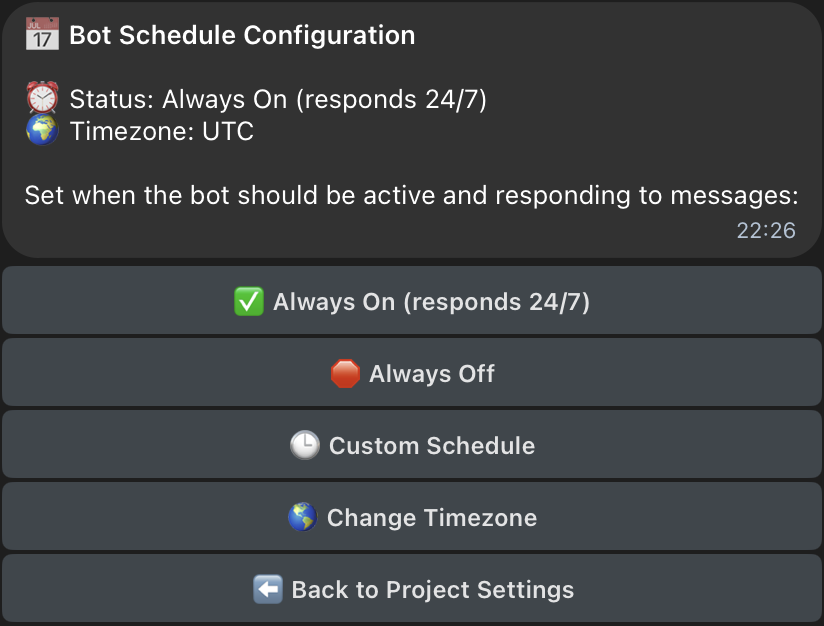
- If you want your collony AI moderator online 24/7, toggle the “Always On” button.
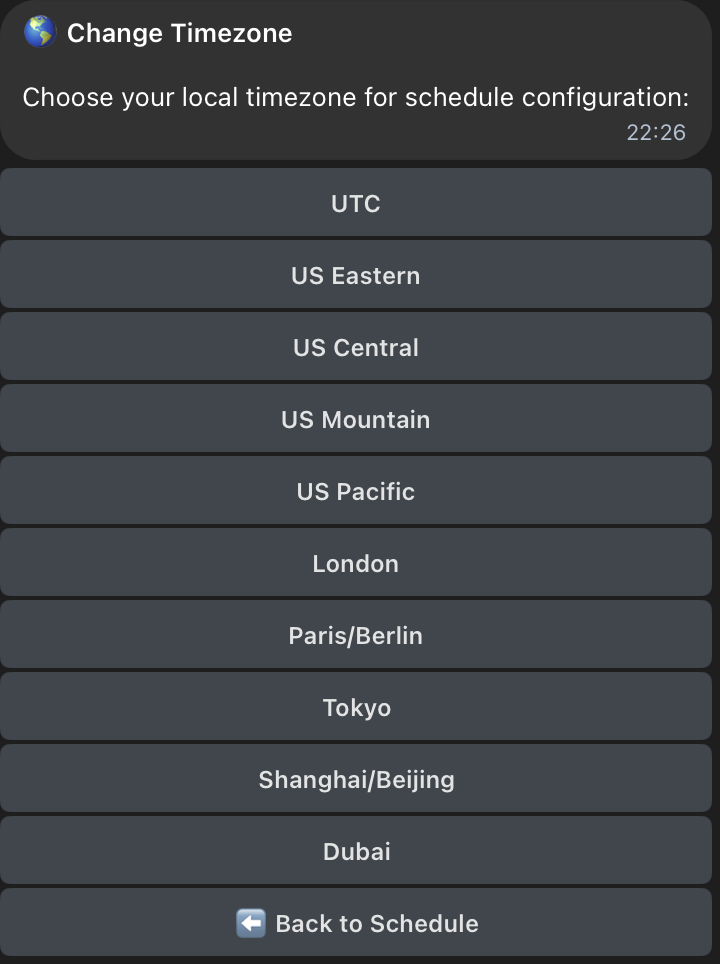
- Set the timezone to match your community, so the bot’s schedule works correctly.
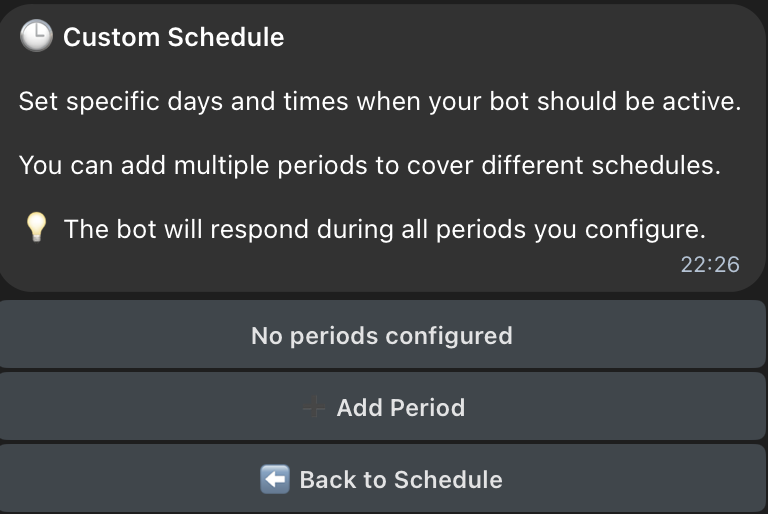
- Set a custom schedule based on your needs – for example, keep your collony mod active at night or on weekends.