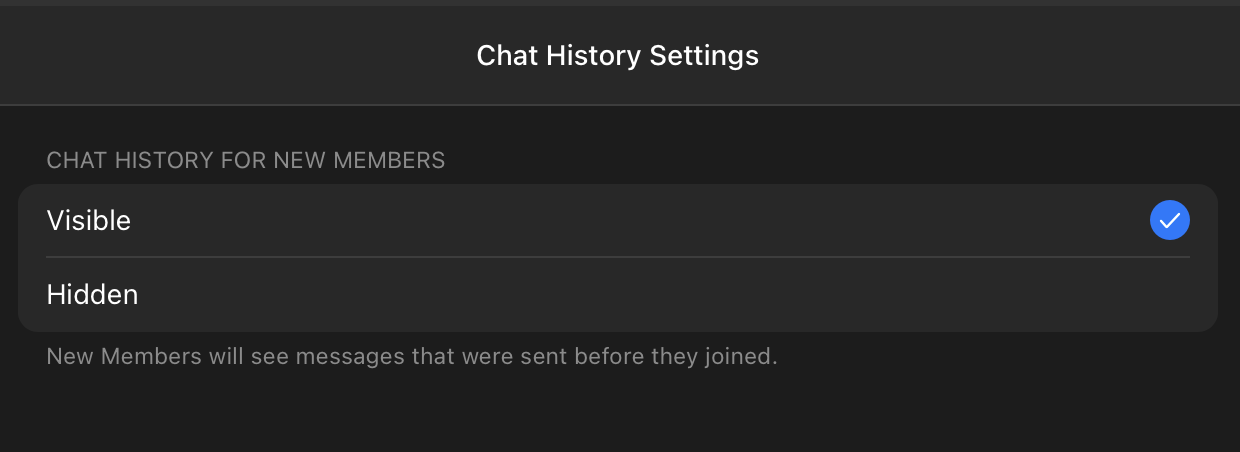
Before inviting the collony AI moderator, update your Telegram group permissions so the bot can function properly:Documentation Index
Fetch the complete documentation index at: https://collony.ai/docs/llms.txt
Use this file to discover all available pages before exploring further.
-
Open Group Settings in Telegram.

-
Set Chat history for new members → Visible.