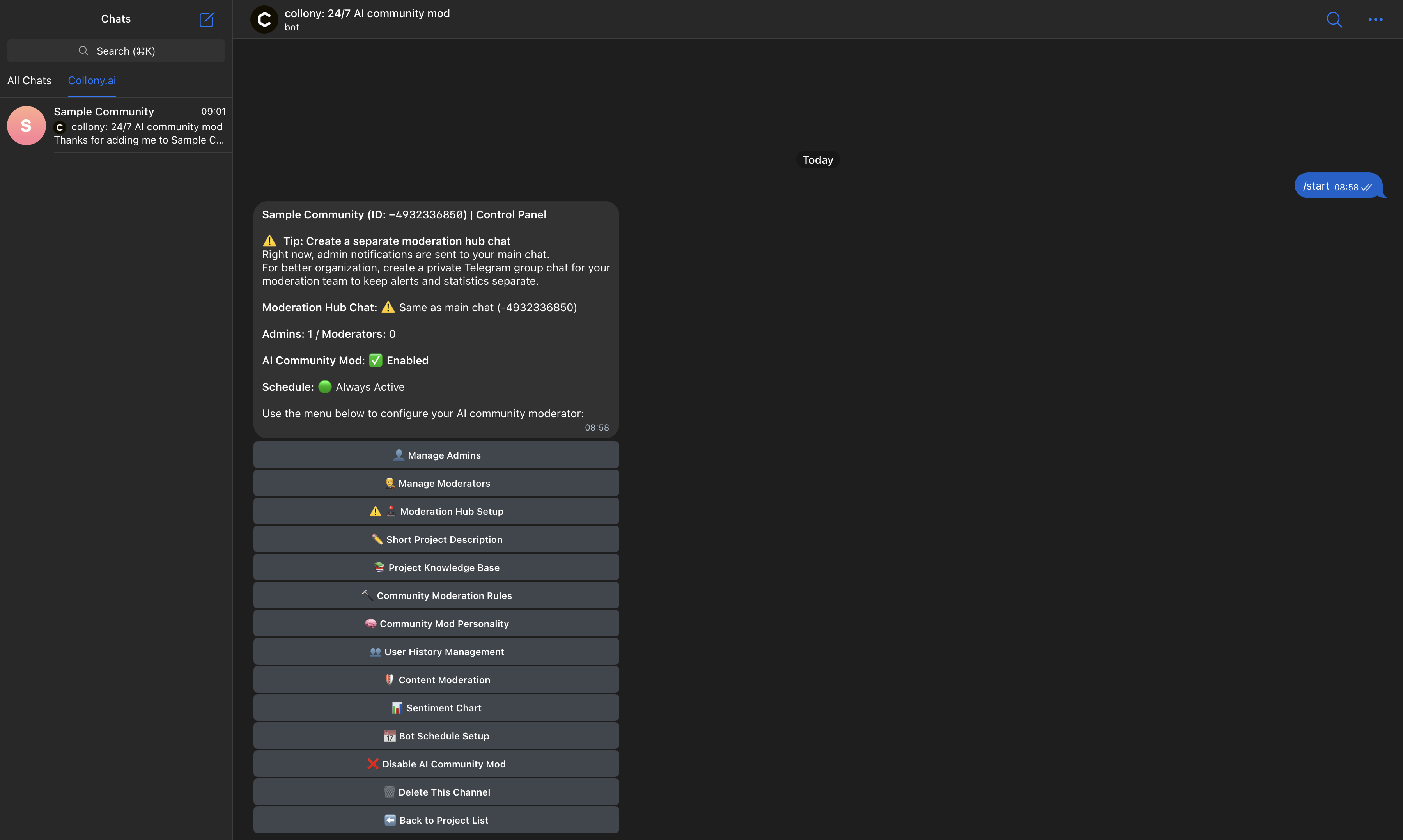
Once collony AI is added to your groups and activated, you’ll see the setup menu.Documentation Index
Fetch the complete documentation index at: https://collony.ai/docs/llms.txt
Use this file to discover all available pages before exploring further.
This is your control panel: it connects your community group, links your dashboard group, and gives you access to all core configuration options.
-
Open Channel Setup
Select Channel Setup from the menu. Both your community group and dashboard group will be listed.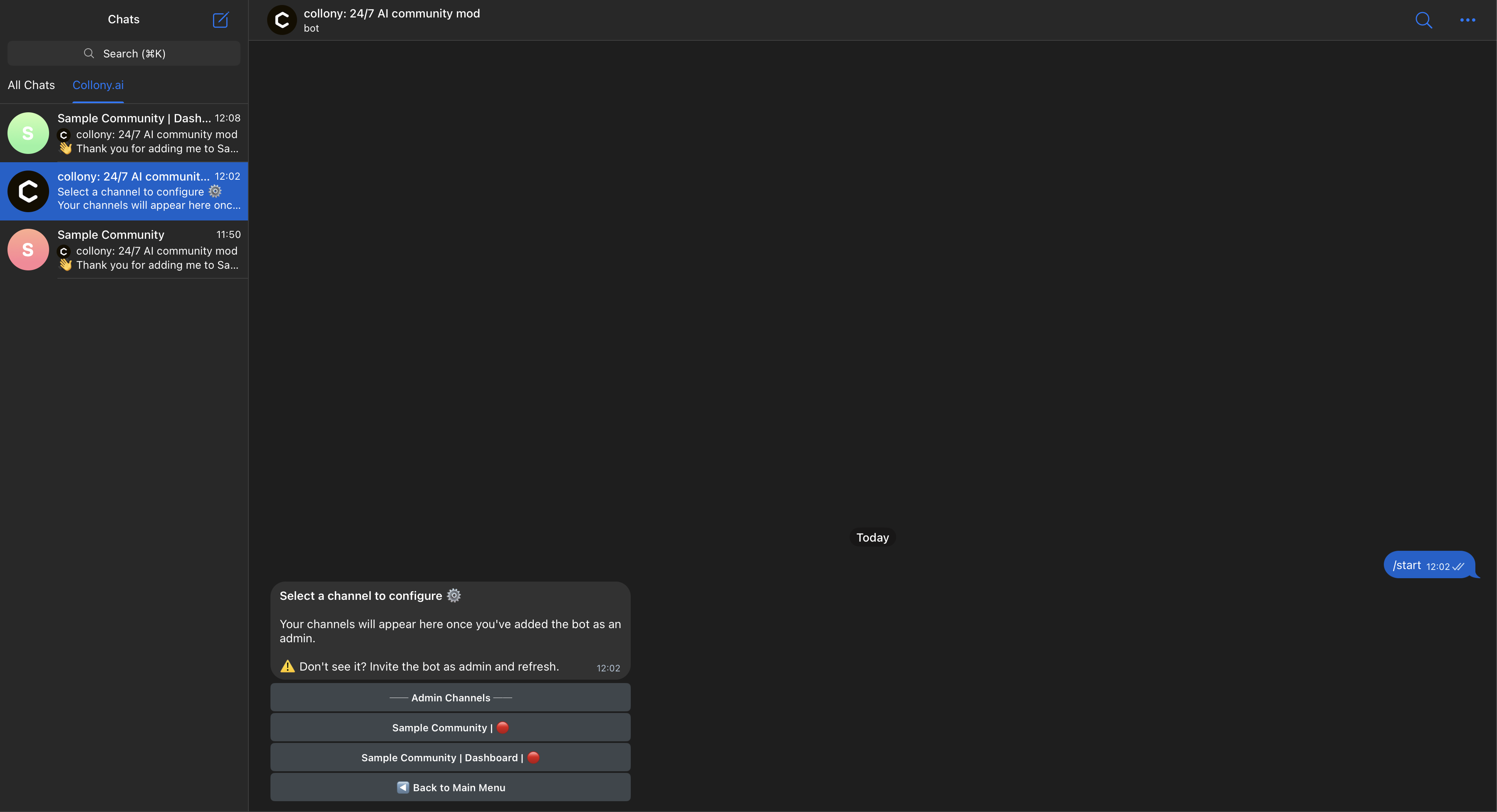
-
Select Your Community Group
Choose your primary community group (not the dashboard). You’ll then be presented with the configuration menu for that group.